All work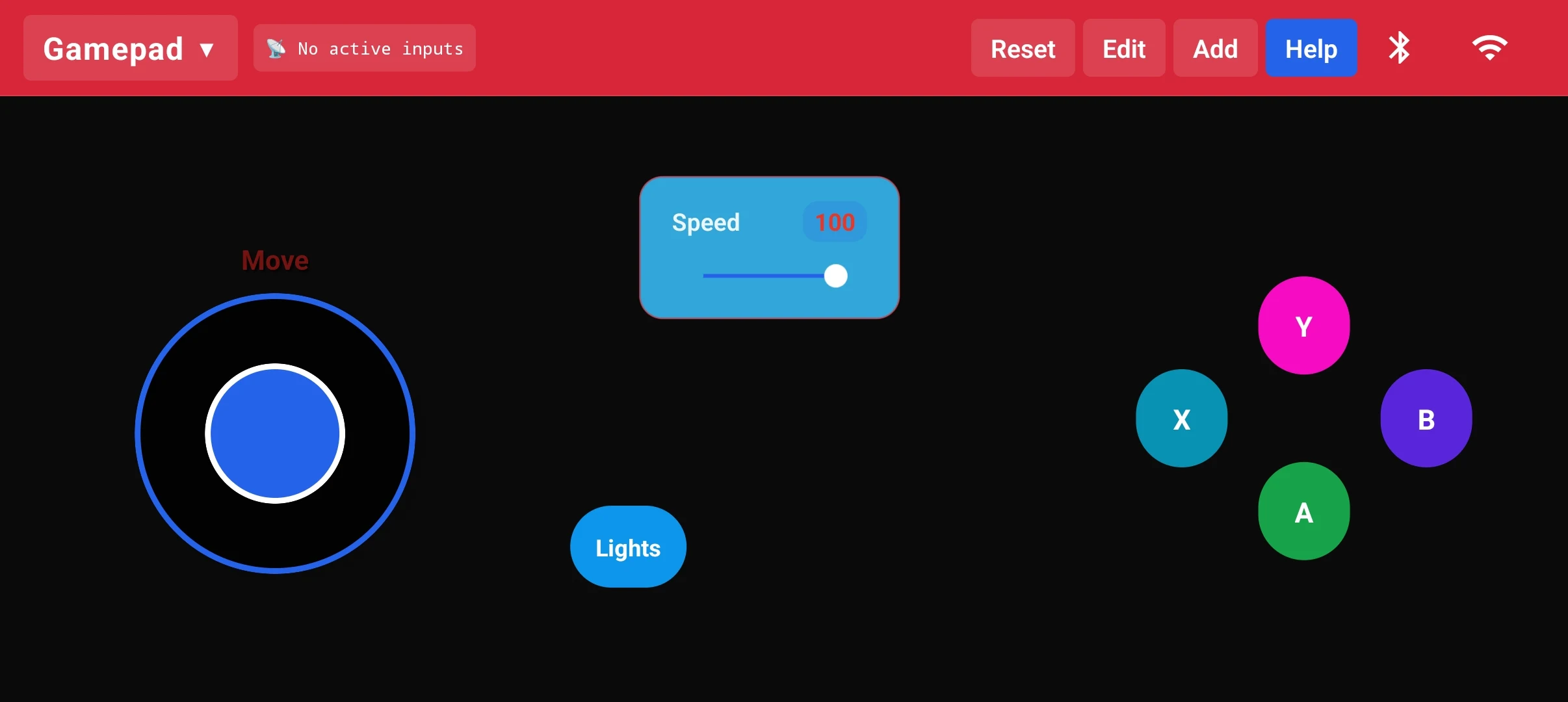
RoboLink – React Native Robot Controller
React Native robot controller with drag-and-drop UI builder, Bluetooth & Wi-Fi UDP support. Academic project — live on Play Store.
100+ Downloads · v3.0Built bySakib- platform
- Android
- framework
- React Native CLI
- hardware
- Arduino / ESP32 / ESP8266
- version
- Aug 2025
Overview
RoboLink is an Android app built with React Native CLI for my Mobile Application Development academic course. It turns your phone into a fully customizable robot controller — build your own control layout with joysticks, buttons, and sliders via a drag-and-drop editor, connect via Bluetooth or Wi-Fi UDP, and get started instantly with built-in Arduino code guides. Shipped live on Google Play Store (100+ downloads).
What it delivers
- Live on Google Play Store — 100+ downloads
- Built with React Native CLI (academic course project)
- Dual connectivity: Bluetooth + Wi-Fi UDP
- Full drag-and-drop controller editor with save/load
- Built-in Arduino & ESP32 code guides for makers
Features
Custom Controller Canvas
- Joystick (Move) + XABY gamepad buttons on one canvas
- Speed slider with live value display
- Custom action buttons (e.g. Lights) freely placed
- Preset dropdown to switch between saved layouts
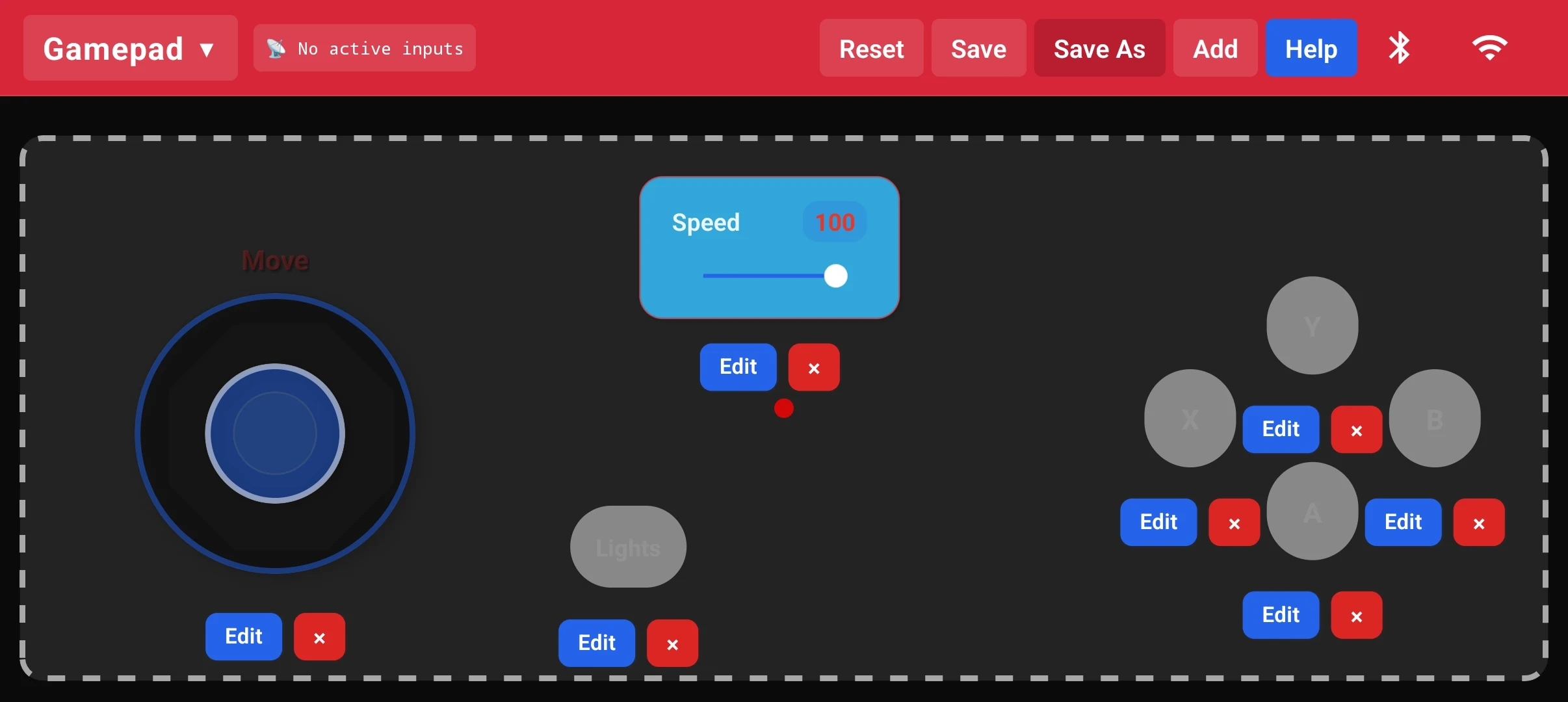
Drag-and-Drop Edit Mode
- Toggle Edit mode to reposition or delete any widget
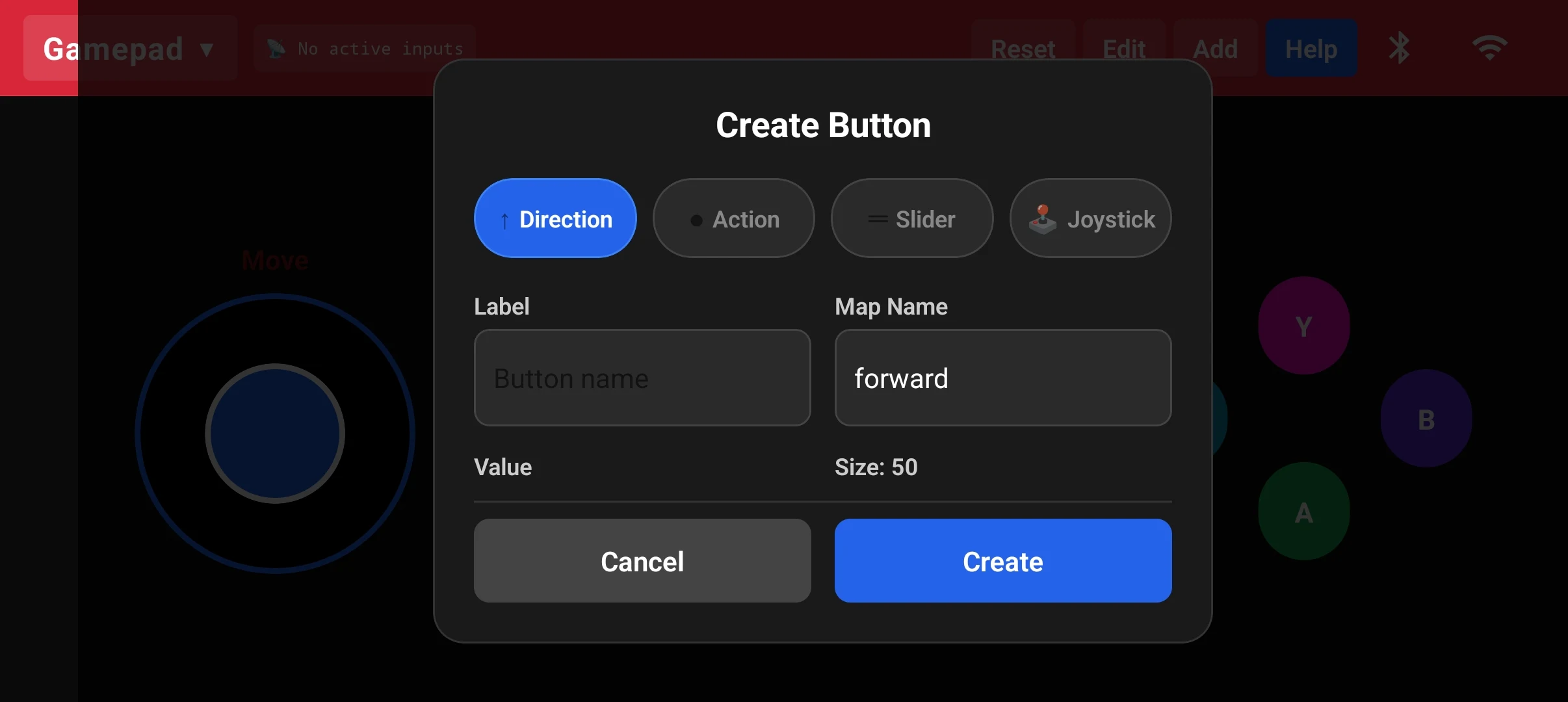
- Add widgets: Direction, Action, Slider, or Joystick
- Configure label, map name, value and size per widget
- Save / Save As to persist multiple controller profiles
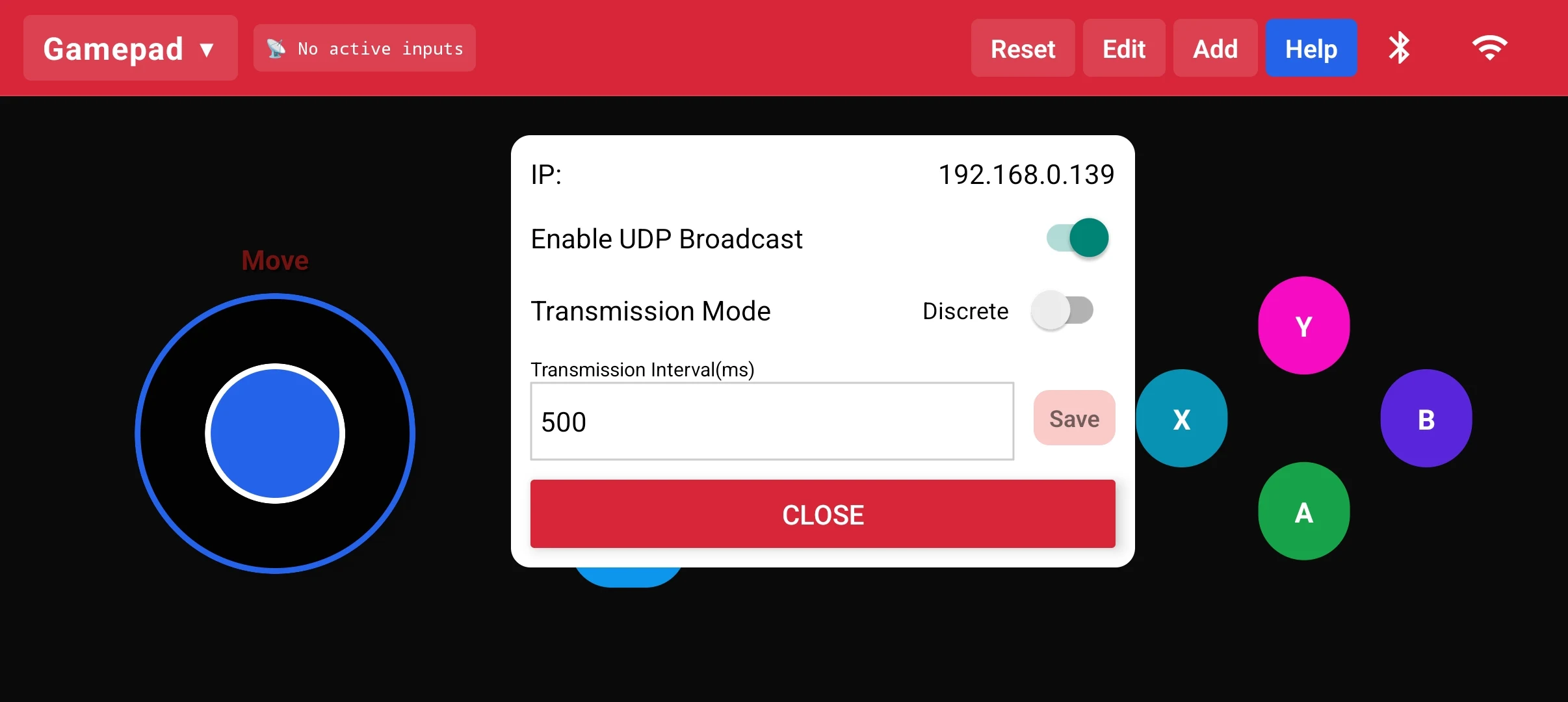
Dual Connectivity
- Wi-Fi UDP — set IP, enable broadcast, configure transmission interval
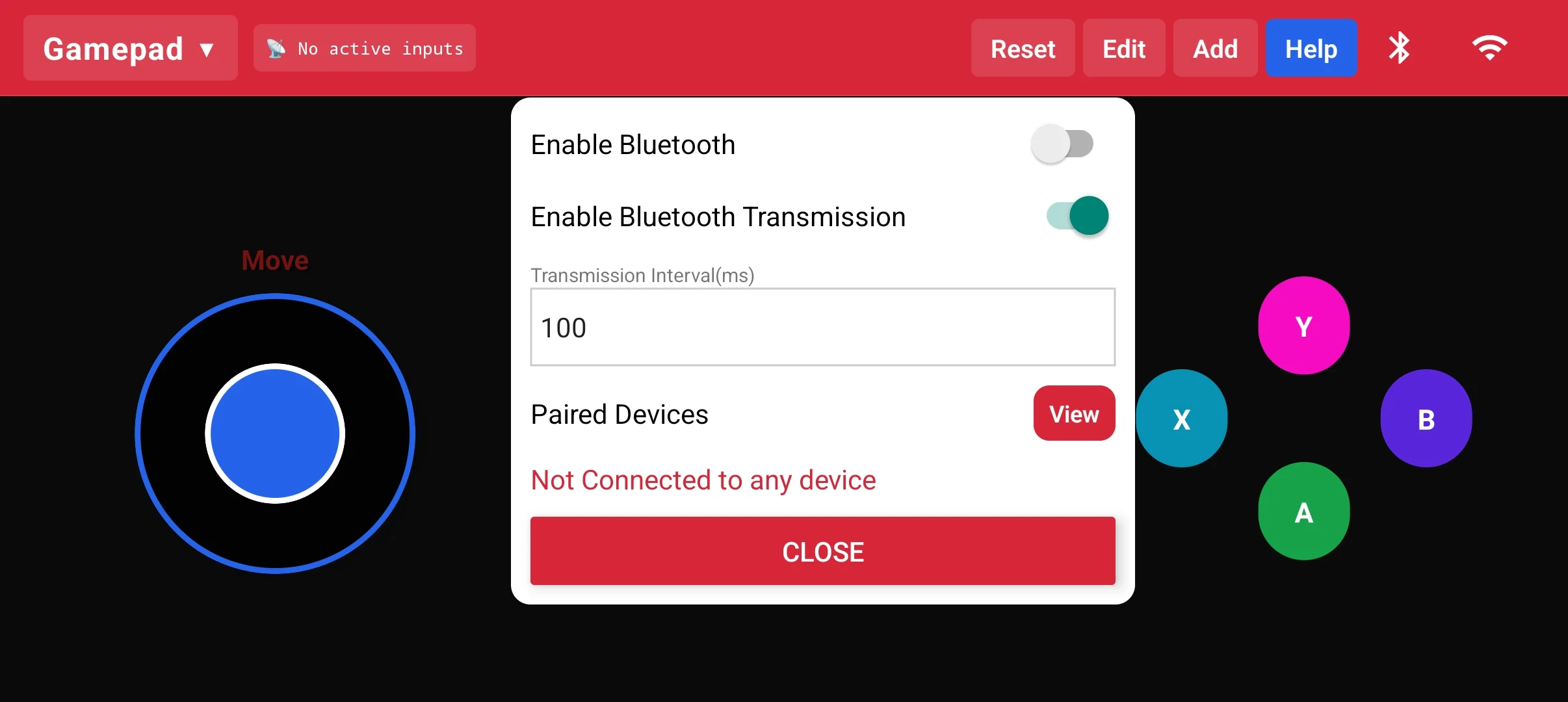
- Bluetooth — pair devices, enable BT transmission at 100 ms interval
- Discrete or continuous transmission mode toggle
- Live connection status feedback
Built-in Help & Code Guides
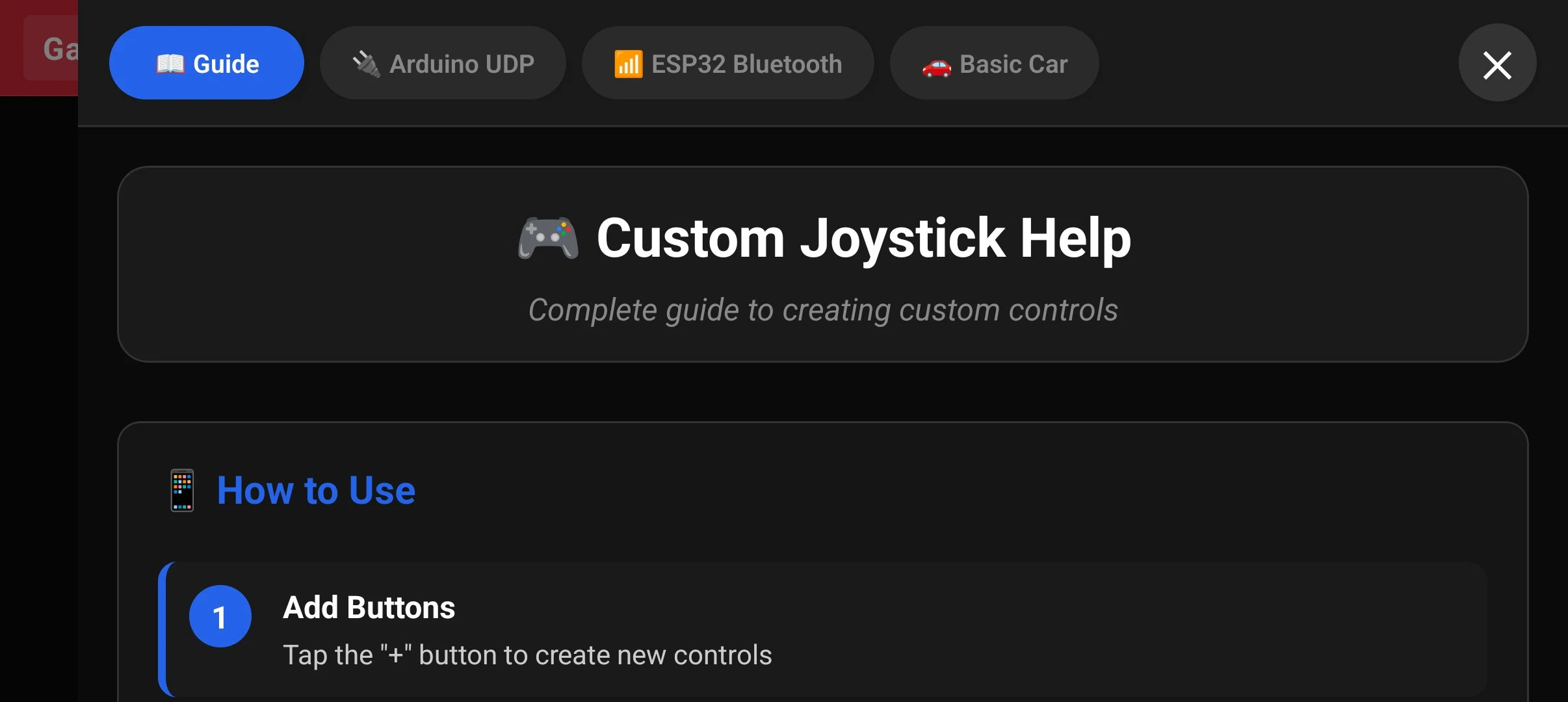
- Interactive guide: Custom Joystick Help
- Arduino UDP and ESP32 Bluetooth code templates
- Basic Car starter preset with step-by-step instructions
- Designed to get makers started with zero prior knowledge
Controller & Customization
Connectivity
Help & Guides
Want something like this built?
Tell us what you have in mind and we will come back with a scope, a timeline and a number.